HQ2x Filter vs Point Sampling
Our pick: HQ2x Filter
Point sampling is more authentic but HQ2x smooths out the pixel edges for a cleaner look on the high-density Ally screen.
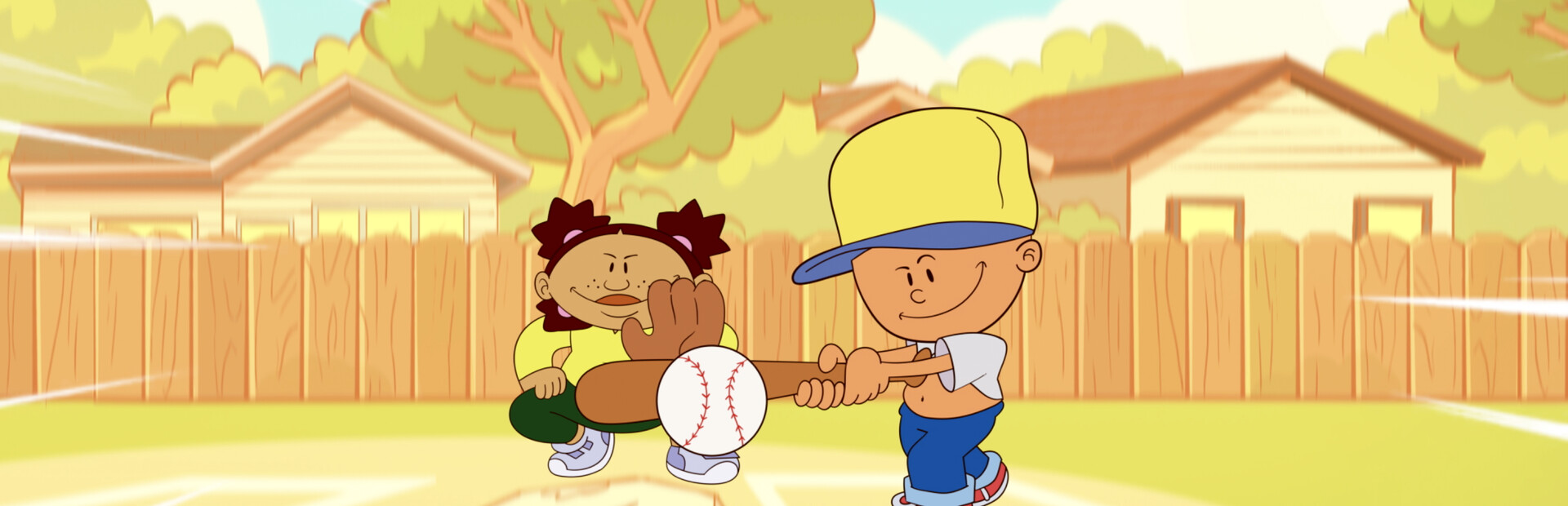
Pure 90s neighborhood baseball vibes.
ROG Ally Z1 Extreme · Ally X · ROG Xbox Ally X
The short answer
Backyard Baseball '97 is basically a calculator app for the Z1 Extreme, so you can play for hours without hearing the fans. I get a locked 60 FPS at just 10W in Silent mode, which is perfect for finishing a full season on one charge. Since it is a point-and-click game, switch to Desktop Mode or map the right stick to the mouse to navigate. Keep VRAM on Auto and enable RSR to make the 480p art look crisp on the 1080p screen.
Before you press play
Pick your Ally and how you play. Every setting below retunes itself instantly.
Active profile: ROG Ally X · Couch mode · 15W · 60 FPS
Extra tuning
Shared memory. This model shares 24GB between Windows and graphics. Extra memory gives textures more room, so raise textures before anything else. Change allocation only if the game needs it.
120Hz & VRR. Keep the built-in display at 120Hz for VRR. Below its native VRR range, low-framerate compensation can help; a 40 FPS cap keeps match controls and menu scrolling responsive.
Power & cooling. TDP is APU power, not the whole handheld’s draw. The battery range below includes display and system overhead.
Command Center & AMD quick sheet
C:\hegames.iniROG Ally X · Couch mode. The frame rate is a target to work toward.
| Setting | Recommendation |
|---|---|
| Overall preset | Custom |
| Resolution | 1080p |
| Upscaling | RSR |
| Frame generation | Off |
| Motion blur | Off |
| Setting | Recommendation |
|---|---|
| Graphics FilterHeavy impact | HQ2xFilters like AdvMAME3x use a tiny bit of GPU to sharpen pixels for modern screens. |
| Aspect Ratio | Native 4:3 |
| Background Music | On |
| Subtitles | On (ScummVM) |
Heavy impactThese cost the most frames. Drop them first if you need more battery or higher FPS.
Start with the listed settings, then check a demanding scene before raising detail. Keep frame generation separate from the underlying frame rate when judging input response.
HQ2x Filter vs Point Sampling
Point sampling is more authentic but HQ2x smooths out the pixel edges for a cleaner look on the high-density Ally screen.
Native 4:3 vs Fullscreen Stretch
Stretching the 480p assets to 16:9 makes the characters look wider than intended and blurs the text.
The reality check
The original Ally has 16GB shared memory and a 40Wh battery. Ally X and Xbox Ally X have 24GB and 80Wh. The extra memory gives textures more room and the bigger battery doubles session length, while the same settings profile holds across all three models.
Away from the charger
Couch mode · 15W APU power
Use 25W with a charger nearby. Keep vents clear and establish a steady frame cap before raising resolution.
Try the 10W road-trip profile and lower resolution first. If busy match scenes in Backyard Baseball '97 cannot hold the cap, use the couch profile instead of accepting uneven response.
1h 20m-1h 30m
Calculated runtime range
2h 40m-3h 5m
Calculated runtime range
2h 40m-3h 5m
Calculated runtime range
Uses 90% of battery capacity and 8-12W for the display and other system power. Brightness, battery wear, background apps and actual game load change runtime; TDP alone is not total power draw.
Pack & play
to Space/Esc
Right rear button
Your thumbs stay on menus and match controls while the paddles handle shortcuts.
Assign one action per rear button in the game’s Armoury Crate profile. Keep the default face buttons available and avoid repeated-input macros in online play.
Offline availability depends on the game and its launcher.
What to pay attention to on a handheld.
The game is 2D sprite-based, so even heavy home run animations or full crowds will not cause frame drops on the Ally.
The chunky, colorful UI was designed for low-res CRT monitors, making it highly readable on the 7-inch handheld screen.
You can run this with fans at 0% or minimum RPM without the device heating up because the power draw is so low.
Zero shader stutter occurs since the ScummVM engine does not use modern 3D shader compilation.
Toggle the Display in Window option in the Space menu or switch to Desktop Mode in Command Center.
Set the Audio Buffer to 512 in the ScummVM options if the music or commentary stutters.
Use the Windows 10 compatibility mode if the ScummVM wrapper fails to initialize.
Yes, the touchscreen works perfectly for the point-and-click interface and player selection.
Yes, your league and season progress will sync between your Ally and main PC.
Absolutely, he remains the most powerful player in the game across all modes.
Game file
 Backyard Baseball '97